Topics

Document digitization software

19 articles

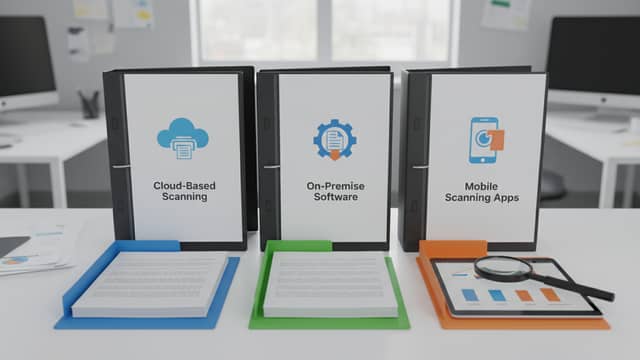
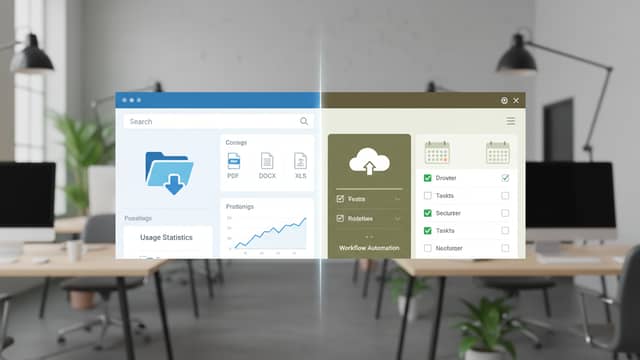
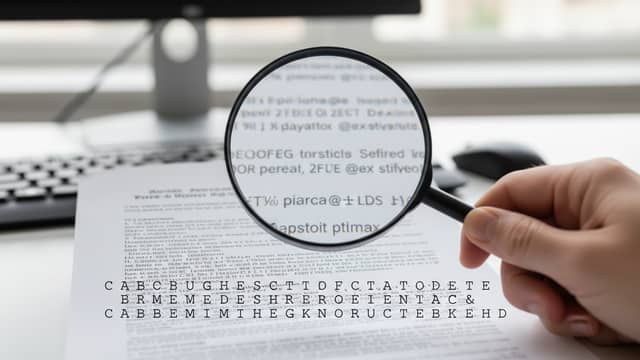
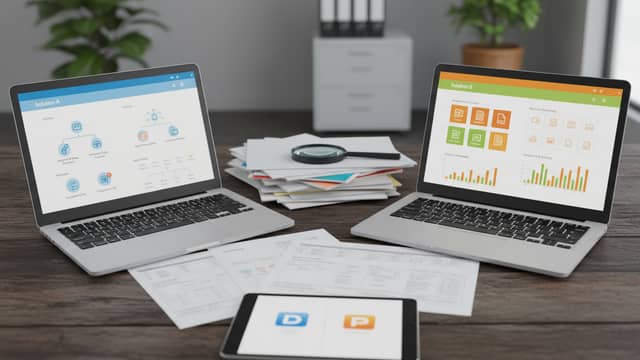
This section gathers the site's coverage of the software used to turn paper and image files into searchable, structured text: OCR engines, scanner apps, document management systems, classification tools and AI-based document processing platforms. Articles here compare vendors and tools side by side, look at OCR accuracy and the errors that cause the most rework, weigh OCR against manual data entry, and examine cloud document management and automated text categorization. Reviews focus on costs, return on investment, privacy and the practical risks of a digitization project. Buying guides explain how to shortlist a DMS or scanning provider and which requirements to settle before signing a contract.

Frequently Asked Questions

What is the difference between OCR software and a document management system?

OCR software converts scanned pages and images into machine-readable text. A document management system stores, organizes and retrieves those files, often adding search, versioning and access control. Many projects use both, with OCR feeding text into the DMS so documents become searchable.

How is OCR accuracy measured, and why does it vary?

Accuracy is usually expressed as the share of characters or fields recognized correctly against a verified reference. It varies with scan resolution, page layout, handwriting, tables, language and how well the tool was tuned for the document type. Comparisons in this section look at where engines fail rather than at headline accuracy claims alone.

When is OCR worth it compared with manual data entry?

OCR tends to pay off when document volumes are high, layouts are repetitive and the extracted fields feed another system. Manual entry can remain competitive for small volumes, unusual formats or cases where every field must be verified anyway. The deciding factors are the cost per document, the error rate and the amount of review work each option leaves behind.