What is document analysis software?
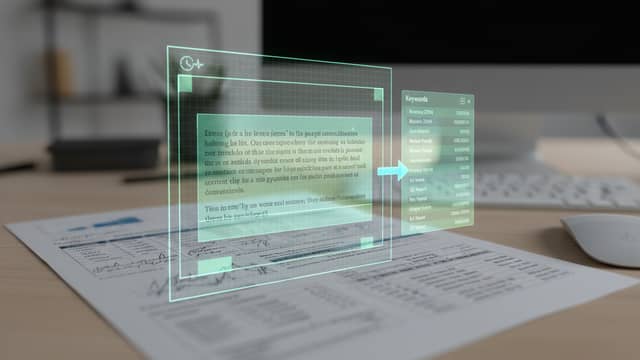
Document analysis software reads files such as PDFs and extracts structured information, search results or summaries from them. It covers tasks like automated document review, classification and text analytics across large document sets.
How do you choose a document analytics tool?
Selection usually comes down to accuracy on your own document types, integration options such as an API, customisability, and total cost against expected ROI. It also helps to test how a tool behaves on edge cases before committing, since accuracy claims can overstate certainty.
How does LLM-based document processing differ from older methods?
LLM document processing handles free text and unstructured layouts that rule-based extraction struggles with, and it can answer questions rather than only pull fields. The trade-off is less predictable output, which makes verification and review steps important.